
How to choose the right school management software: a practical checklist
What actually matters when choosing a school ERP — from board-ready report cards and online fees to parent apps, transport safety and support.
 Web School Manager
3 min read
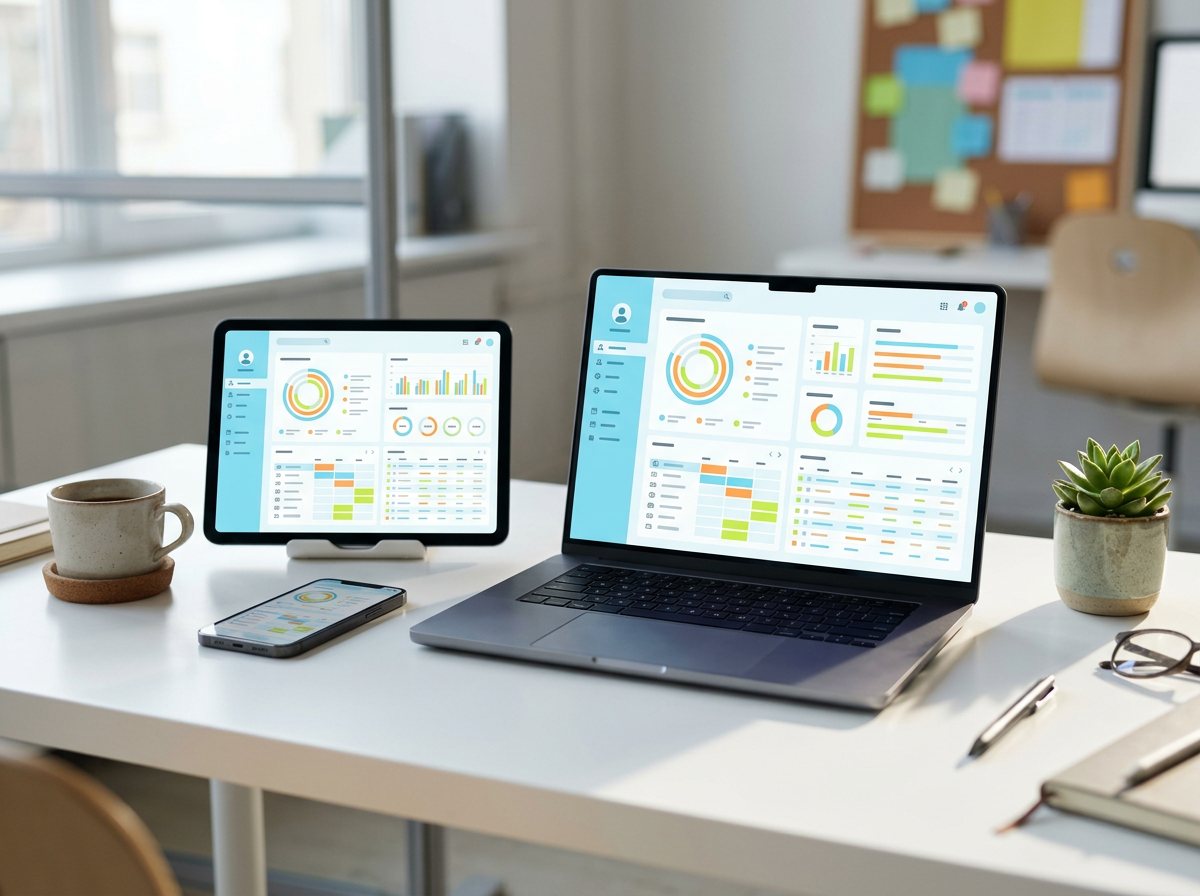
Choosing school management software is one of the few decisions that touches everyone in a school at once — the principal, the accounts office, every teacher, and every parent with a phone. Get it right and the daily paperwork quietly disappears. Get it wrong and staff end up keeping registers on the side "just in case".
This checklist walks through what actually matters, so you can judge any school ERP — including ours — on the things that will make a difference in your school.
1. Start with your school's daily pain points
Before comparing feature lists, write down where time is lost today. Common answers are fee collection and receipts, preparing report cards at the end of term, tracking attendance, and answering parents' calls about transport or results. The right software should remove these first, not add new steps.
2. Report cards that match your board
Your report cards must follow the format your board expects — CBSE, ICSE or your State Board — including grading scales, co-scholastic areas and term structure. Ask to see a real report card generated in the system, not a mock-up, and check that marks entry is simple enough for every teacher.
3. Fees and accounts that reconcile themselves
Look for online fee collection through UPI, cards and net banking, automatic receipts, and reminders for pending dues. Just as important: payments should post straight into accounting. If your accountant uses Tally, ask whether the software integrates with it, so nobody has to type the same entries twice.
4. A parent app people will actually use
Parents judge a school by how well it communicates. A good app lets them pay fees, see attendance and results, read notices and homework, and track the school van — on both Android and iPhone. Ask whether each role (parent, teacher, principal) gets its own simple dashboard.
5. Attendance that fits your campus
Some schools want quick manual marking; others prefer RFID cards, QR codes, fingerprint or face recognition. Make sure the system supports the method you plan to use, and that absence alerts reach parents automatically.
6. Transport safety
If you run school vans, live GPS tracking is no longer a luxury. Parents should see where the van is, and the school should get trip reports and alerts for over-speeding. It reduces worried phone calls and improves safety.
7. Data security and access control
Student, staff and fee records are sensitive. Check that the software restricts access by role, keeps regular backups, and can recover data if something goes wrong. Only authorised people should see salary or financial details.
8. Ease of use and training
The best features are useless if staff avoid them. Ask how much training is needed, whether staff with limited computer experience can use it comfortably, and what help is available after go-live.
9. Migration and support
Moving years of records is often the biggest worry. Ask who migrates your existing student, staff and fee data, how long it takes, and whether a real person will answer when you call for support.
Questions to ask in every demo
- Can you show our board's report card format, generated live?
- How do online fee payments reach our accounts?
- What does the parent app look like on a phone?
- Who moves our existing data, and how long does it take?
- Which modules can we start with, and can we add more later?
- What support do we get after we go live?
The bottom line
The right school management software is the one your staff will use every day without being asked. Shortlist two or three options, ask each for a demo built around your own school, and judge them on the points above.
If you'd like to see how Web School Manager handles your school's workflows, book a free demo — we'll walk through it with your own data.